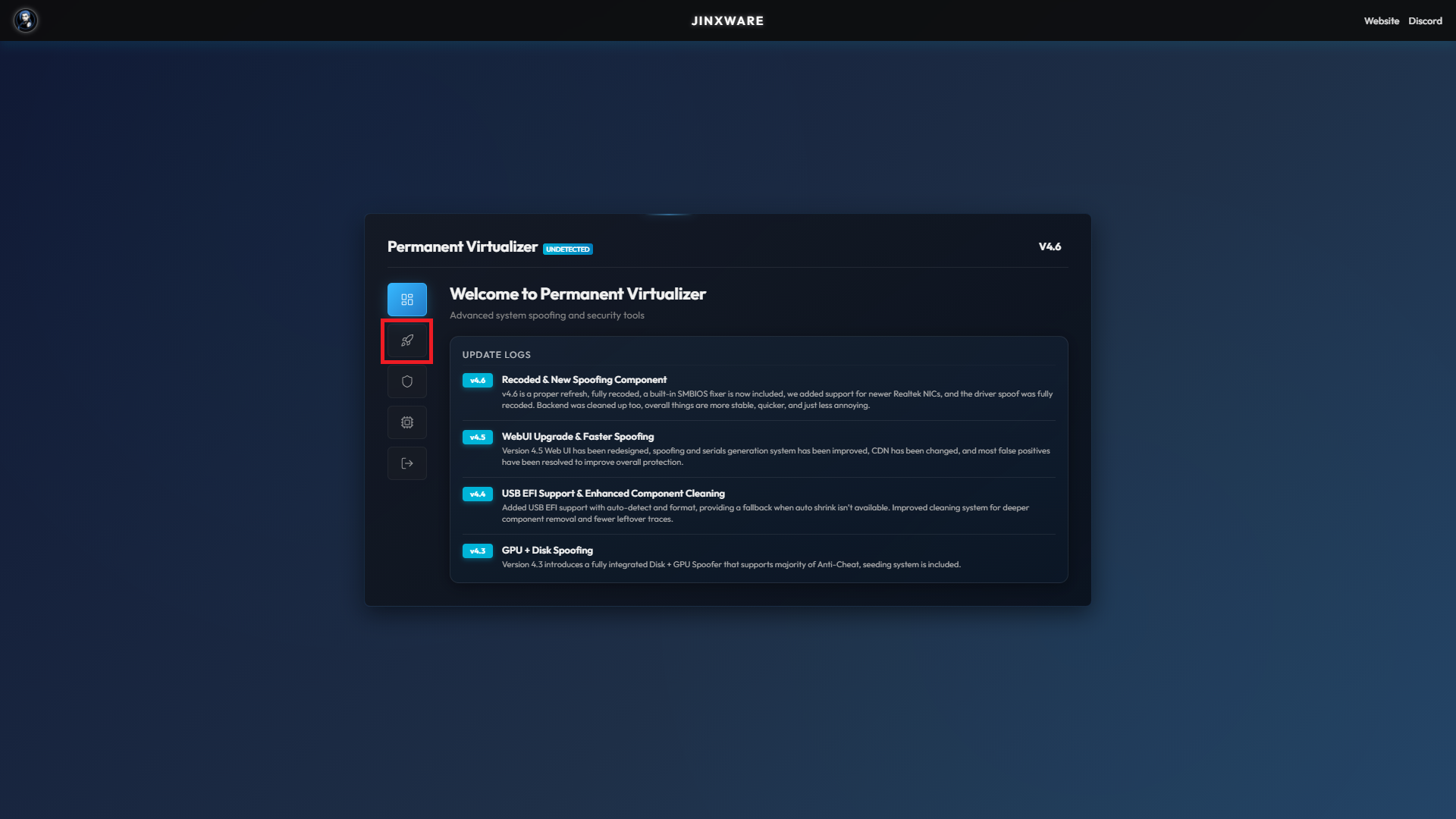
* As soon as `Permanent spoof completed` appears, close the spoofer, and restart PC.
* **If you did not do** [raid-reinstallation](https://spiritxx.gitbook.io/jinx/getting-started/quickstart/raid-reinstallation "mention") **please do** [vhd-guide-eac-be](https://spiritxx.gitbook.io/jinx/miscellaneous/vhd-guide-eac-be "mention")
***
### EFI Spoof Method \[ **IF SERIALS DIDN'T CHANGE** ]
1. Go to Custom Spoofing Tab
2. Click on **EFI SPOOF - Auto**, and wait until it's finished.
3. Go into your **BIOS**, and boot into the partition labeled **"UEFI OS"** or **"UEFI Partition 1"**. *(Always choose UEFI)*
4. After booting, check your serials again to confirm they’ve been spoofed successfully.
5. You're fully spoofed.
{% tabs %}
{% tab title="OLD SERIALS" %}
*SEND US YOUR **OLD SERIAL**S BY A SCREENSHOT OF THE **'SERIAL CHECKER'***
{% endtab %}
{% tab title="SERIALS CHANGED?" %}
*CHECK IF **ALL** SERIALS CHANGED, NO EXCEPTIONS.*
{% endtab %}
{% tab title="MAC SPOOF" %}
*RUN "MAC SPOOF - NIC" FOR A PERMANENT MAC SPOOF.*
{% endtab %}
{% endtabs %}